Apple Watch guide
How to change units on Apple Watch
Choose Metric or Imperial measurements for LilyMaps on your Apple Watch.
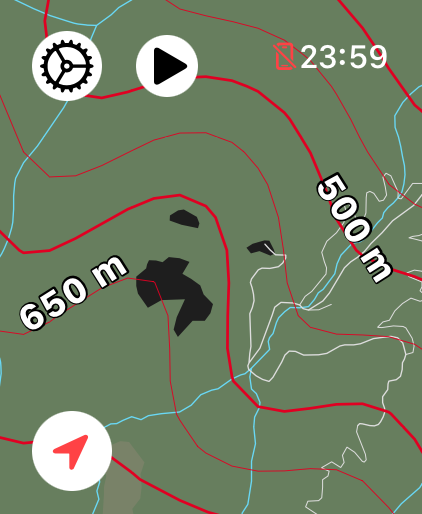
Metric (Kilometers) uses meters and kilometers. Imperial (Miles) uses feet and miles. Choose the one you are used to; LilyMaps changes the labels, not your maps, routes, or recordings.
Before you start
- Install LilyMaps on your Apple Watch.Install LilyMapsInstall LilyMaps BerlinMore information
1 Open the LilyMaps menu
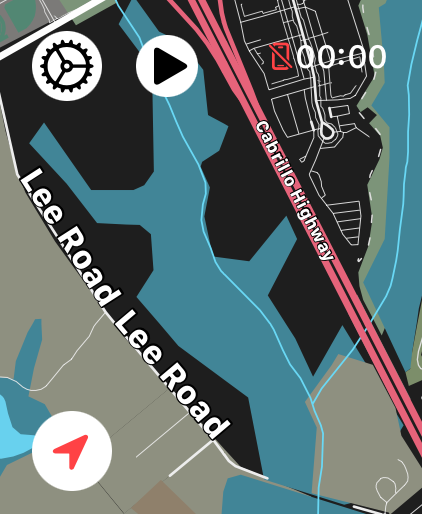
From the LilyMaps map, tap the gear icon in the upper-left corner.
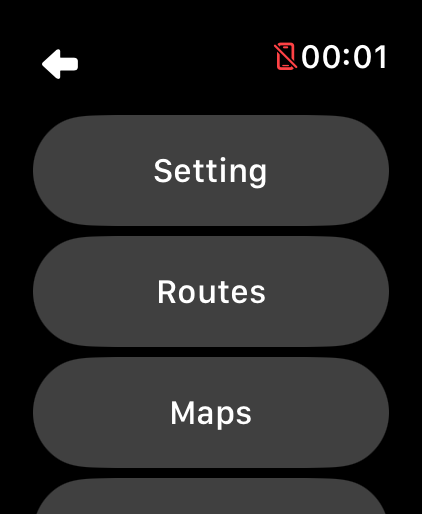
2 Open Setting
In the LilyMaps menu, tap Setting.
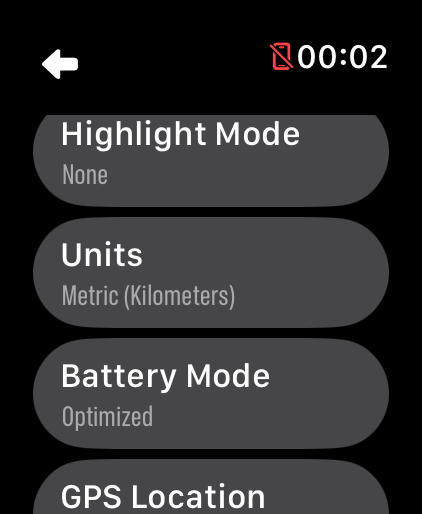
3 Open Units
In Setting, tap Units.
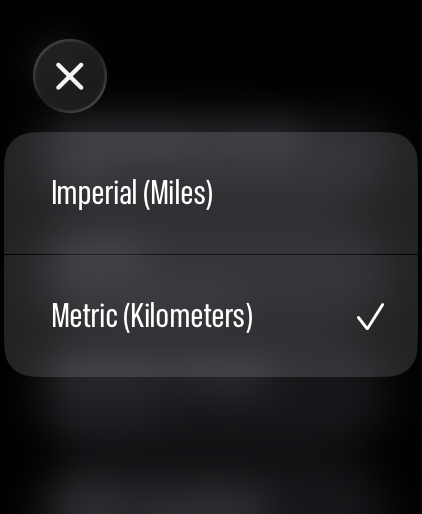
4 Choose your measurements
Tap Metric (Kilometers) or Imperial (Miles). Your choice is saved straight away.
Your choice follows you through LilyMaps. Here are four places where the labels change:
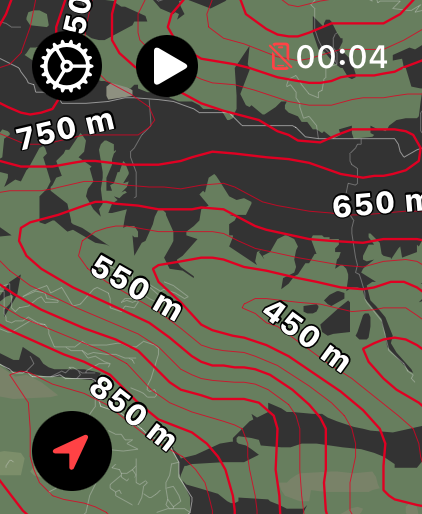
Contour lines
Elevation labels use meters or feet.
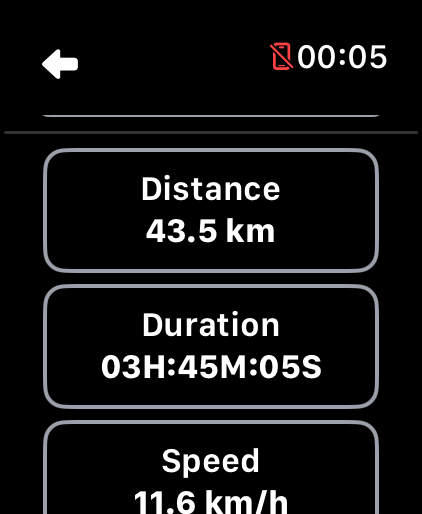
Route summary
Distance, speed, and pace use your chosen units.
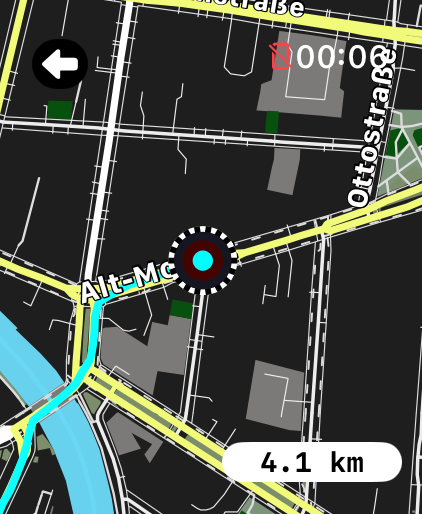
Route replay
The replay distance uses your chosen units.
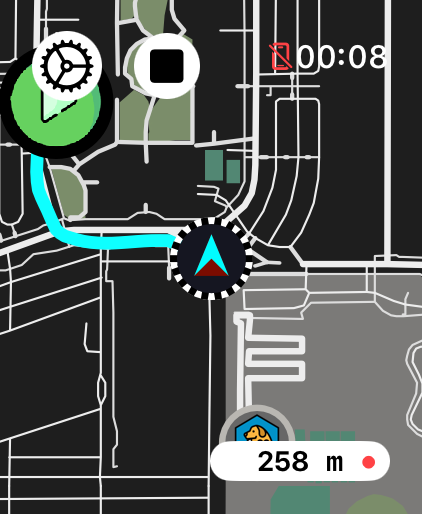
Recording distance
Your live recording distance uses your chosen units.
Which unit system should I choose?
Choose Metric (Kilometers) if you normally use meters and kilometers. Choose Imperial (Miles) if you normally use feet and miles.
What changes when I switch units?
LilyMaps changes distance, contour elevation labels, speed, and pace measurements. Your maps, routes, and recordings do not change.
Can I change units again?
Yes. Return to Setting, then Units, and choose the other option whenever you like.
Do I need to restart LilyMaps?
No. LilyMaps applies your choice straight away and remembers it the next time you use the app.
Use the measurements that feel natural.
Choose Metric or Imperial once, then read every LilyMaps distance the way you expect.