
Filter articles by topic
Showing all articles
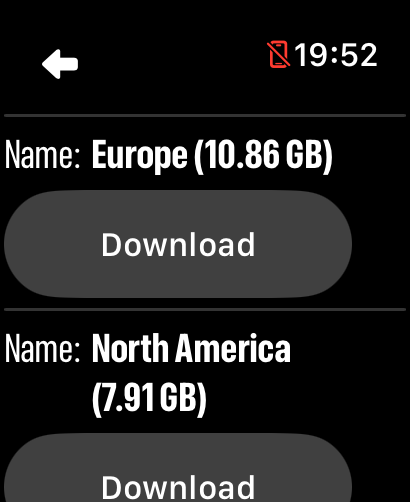
How to download offline maps to Apple Watch
Choose a region, download it to your watch, and confirm it is ready before you leave.
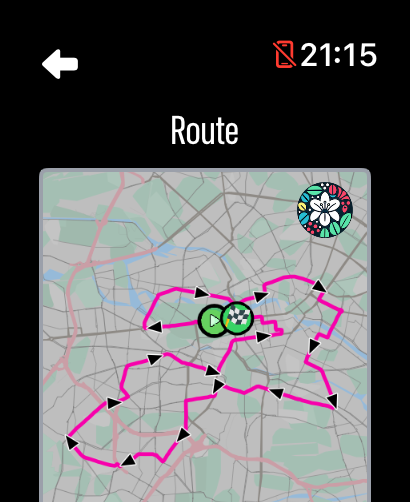
How to import a GPX route to Apple Watch
Import a GPX route, download it to your watch, and display it over your LilyMaps map.
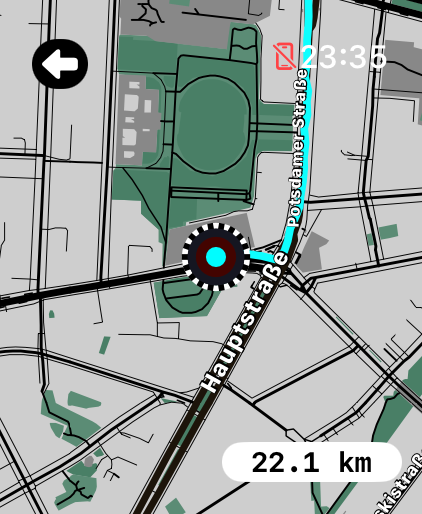
How to replay a route on Apple Watch
Recorded or imported routes can be replayed visually for review.
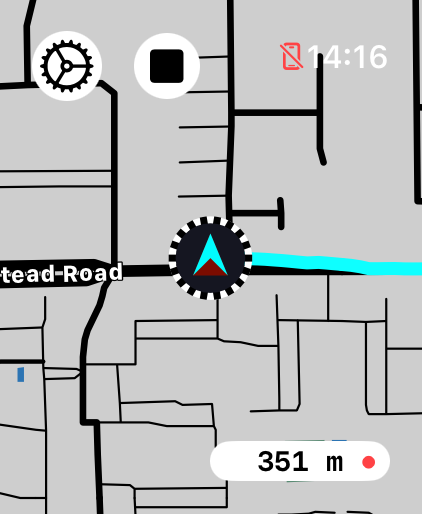
How to record a route on Apple Watch
Record your routes and review them later with a simple summary and snapshot. Routes can also be overlaid on the map.

How to show outdoor landmarks on Apple Watch
Important points such as water, medical services, and shelters are included and can be configured.
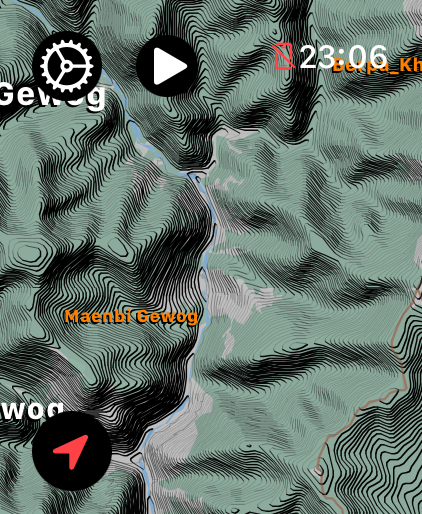
How to show contour lines on Apple Watch
Learn how to show contour lines on Apple Watch with LilyMaps, then choose clear lines or shaded terrain for an easier view of elevation.
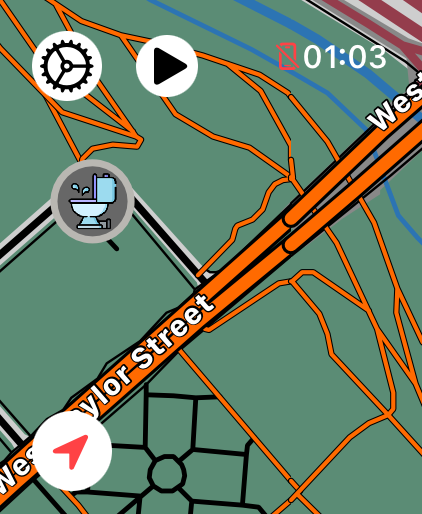
How to show cycle paths on Apple Watch
Learn how to highlight cycle paths on Apple Watch with LilyMaps, making bike routes easier to spot while you browse your map.
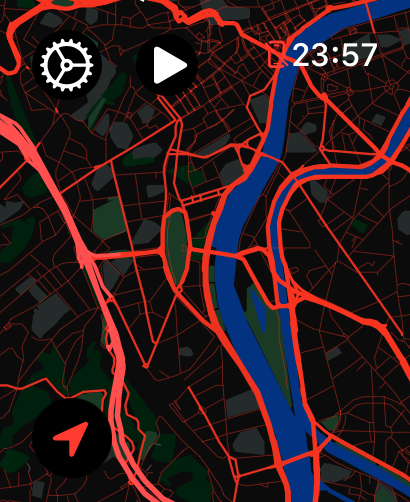
How to change map style on Apple Watch
Learn how to change the map style on Apple Watch with LilyMaps. Pick a clear, readable look for the map you use every day.
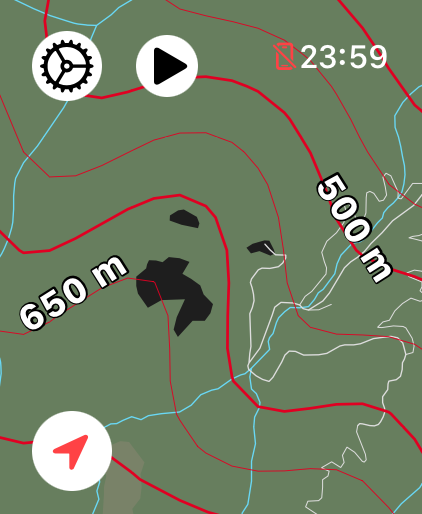
How to change units on Apple Watch
Learn how to change distance, height, speed, and pace units on Apple Watch with LilyMaps, choosing Metric or Imperial measurements.
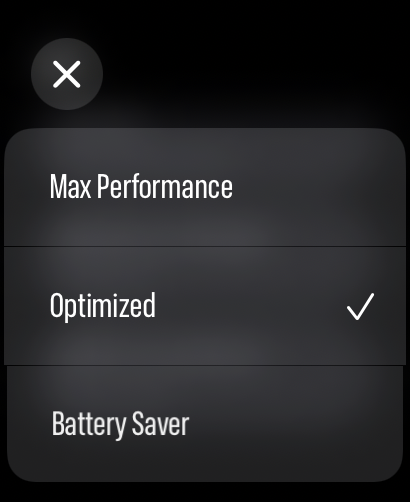
How to save Apple Watch battery while using maps
Learn how to save Apple Watch battery while using maps with LilyMaps. Choose a Battery Mode that balances smoothness and power use.