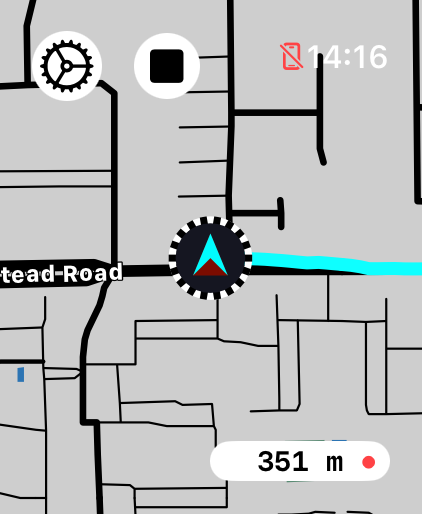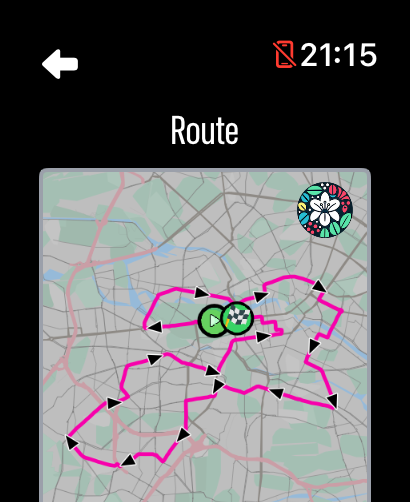
Apple Watch route guide
How to replay a route on Apple Watch
Replay a recorded or imported route and watch its journey move across the LilyMaps map.
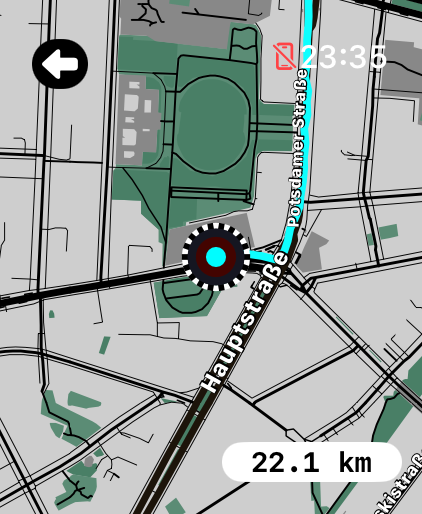
Route Playback turns a recorded or imported route into a short map video. Watch the path unfold while the distance updates.
Once your route and map are saved to the watch, playback runs fully offline. LilyMaps is designed to do this efficiently right on your watch, without needing an internet connection or your iPhone.
Use it after a ride, run, walk, or hike to revisit the journey, or before heading out to look over an imported route. It is for looking back or previewing, not for directions.
Before you start
- Install LilyMaps on your Apple Watch.Install LilyMapsInstall LilyMaps BerlinMore information
- Have a recorded or imported route saved on the watch.
Watch the route begin, the map follow its path, and the distance change as it moves.
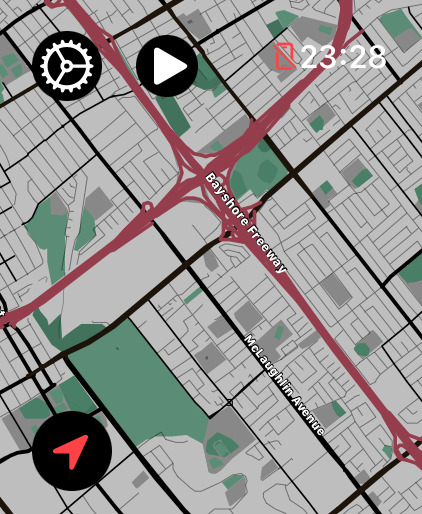
1 Open the LilyMaps menu
From the LilyMaps map, tap the gear icon in the upper-left corner.
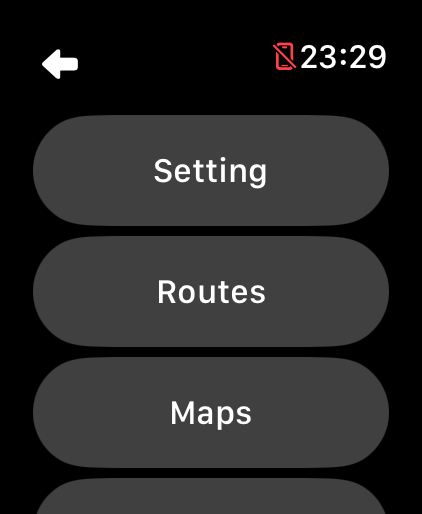
2 Open Routes
In the LilyMaps menu, tap Routes.
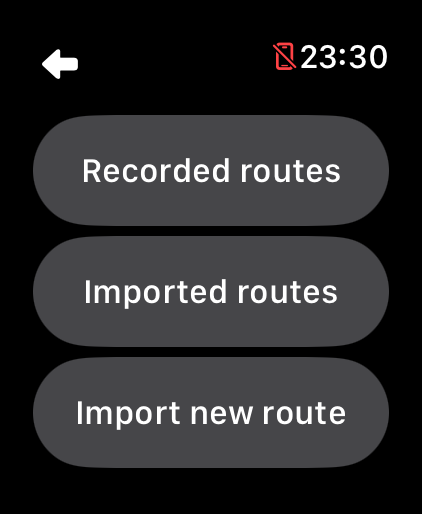
3 Choose where the route is saved
Tap Recorded routes or Imported routes.
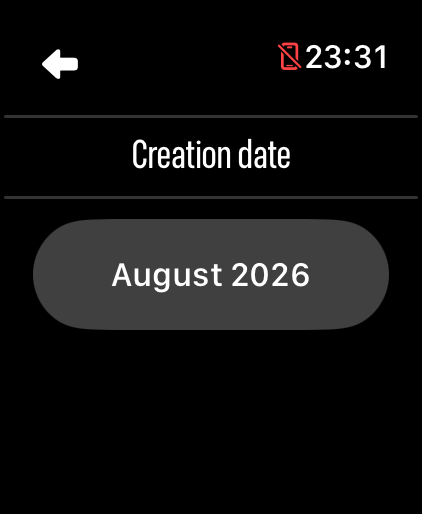
4 Choose the creation date
Tap the month and year that contains your route.
5 Start Route Playback
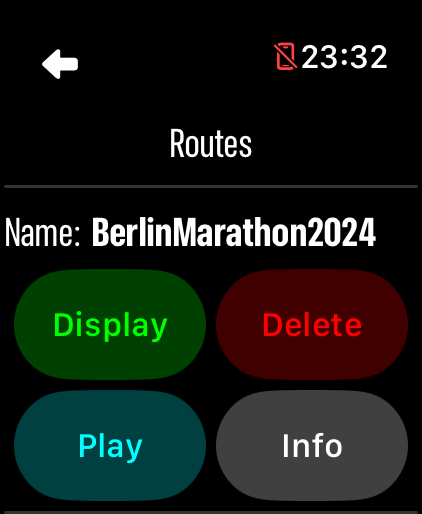
Tap Play beside the route you want to review.
6 Continue to the playback
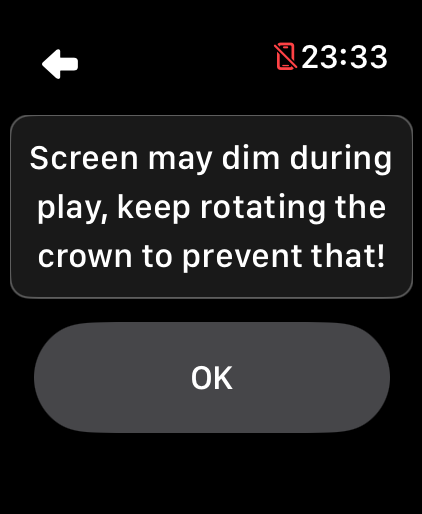
On the screen-dimming message, tap OK.
- Relive the journey: watch the marker move along the path while the distance updates.
- Pick the clearest view: tap the playback map to move through the available map styles.
When the replay ends, LilyMaps returns to your saved-routes list, ready for another one.
What can I replay?
You can replay an activity recorded in LilyMaps or a GPX route imported to your Apple Watch.
What will I see?
Your map follows the saved path while the distance updates, so you can see the journey unfold from start to finish.
Will it give me directions?
No. Route Playback lets you look back at a saved route. Use Display when you want to show an imported route over your normal map.
Can I change how the map looks?
Yes. Tap the playback map to move through the available map styles and choose the clearest view.
Why can I not replay a route while I am recording?
LilyMaps cannot replay a saved route while an activity recording is running. Finish the recording, then try Play again.
Watch the journey unfold on your wrist.
Choose a saved route, tap Play, and let LilyMaps take you through it.