Apple Watch guide
How to show cycle paths on Apple Watch
Highlight cycle paths to make them easier to spot while you browse your LilyMaps map.
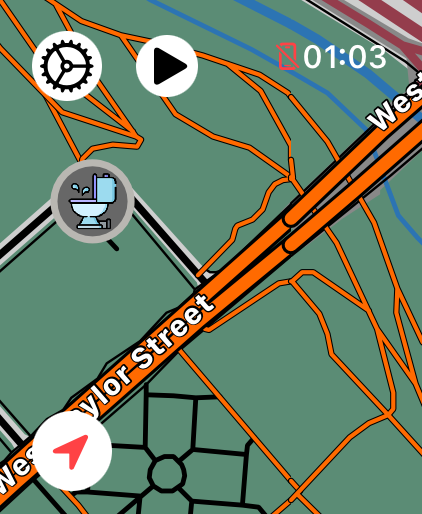
Cycle Ways is a Highlight Mode that makes cycle paths stand out more clearly. It does not plan a route or add new paths; it only emphasizes cycle paths already shown on the map.
Before you start
- Install LilyMaps on your Apple Watch.Install LilyMapsInstall LilyMaps BerlinMore information
1 Open the LilyMaps menu
From the LilyMaps map, tap the gear icon in the upper-left corner.
2 Open Setting
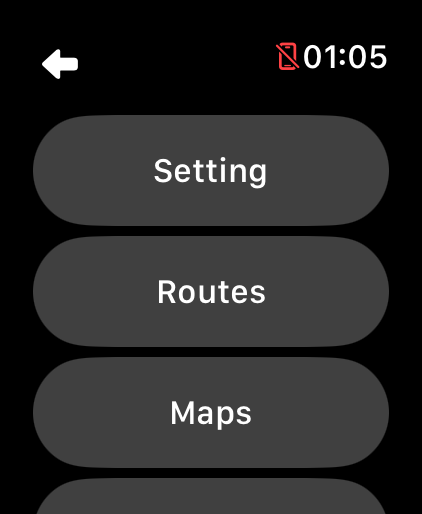
In the LilyMaps menu, tap Setting.
3 Open Highlight Mode
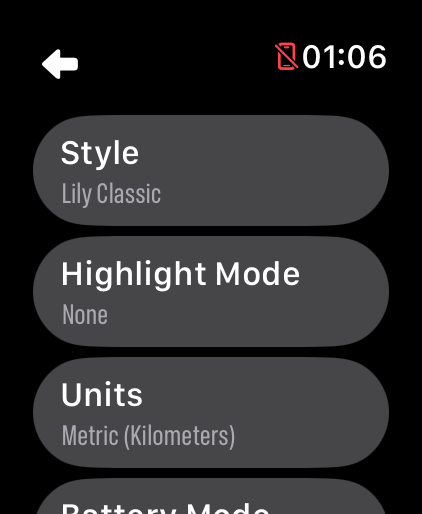
In Setting, tap Highlight Mode.
4 Choose Cycle Ways
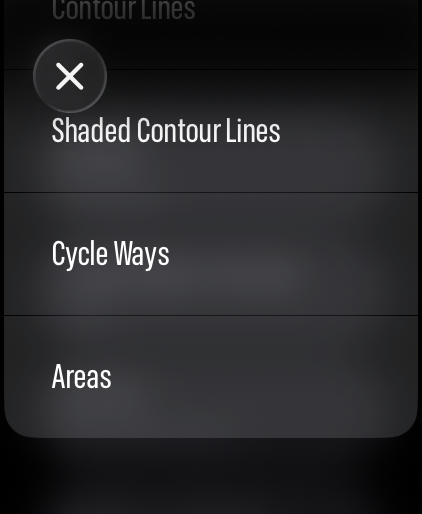
Tap Cycle Ways. LilyMaps highlights cycle paths on the map straight away.
Examples of mapped cycle paths highlighted in LilyMaps.

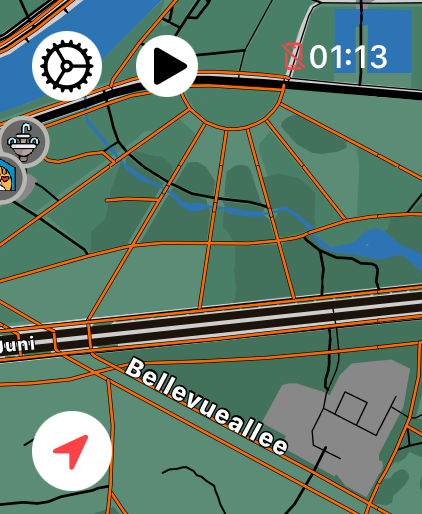

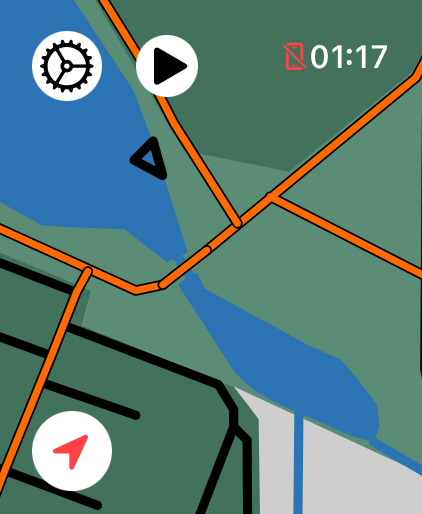
Your choice is saved for the next time you open LilyMaps. To remove the emphasis, return to Highlight Mode and choose None, or try another option such as Contour Lines.
What does Cycle Ways do?
It makes cycle paths on your LilyMaps map stand out more clearly.
Does Cycle Ways change my route or map download?
No. It only changes how cycle paths appear. Your route, downloaded maps, and location stay the same.
Why are some paths not highlighted?
LilyMaps can highlight paths that are shown as cycle paths on the map. Other roads and paths keep their usual appearance.
Can I turn Cycle Ways off?
Yes. Return to Highlight Mode and choose None, or choose another highlight option.
Find the cycle paths that matter.
Use Cycle Ways when you want mapped cycle paths to stand out at a glance.